A song for your mom’s birthday
Flowers last a week. A song about the things only you remember about her — the kitchen radio, the notes she left you, the way she says your name — is something she can keep. You tell us about her; we write the song and set it to her photos.
Sung by an AI singer in a voice you choose. We write every song from your memories, and you read every word before it’s sung.
Hear an example
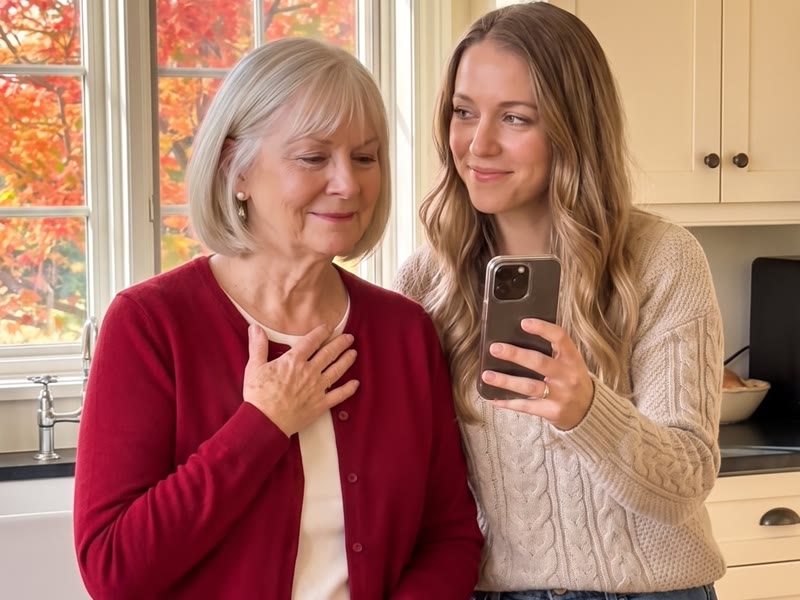
What to tell us
- What you call her — Mom, Mama, Ma — and any name only the family uses.
- One ordinary day you still remember: a drive, a kitchen, a first day of school, a hospital waiting room.
- Something she always says. Her exact words often make the best line in the song.
- What she carried or gave up that nobody thanked her for.
- What you want her to know this birthday — the thing that’s hard to say out loud.
- Her age, if it’s a milestone. We only ever use a number you tell us.
Talk or type the way you’d tell a friend. A few sentences is enough; more memories give us more to choose from.
How long, and how it should sound
Two minutes suits most birthday songs: room for five to eight memories. Choose 60 seconds if it will play at a busy party, or three minutes if there’s a lot to say. You pick the length after you pay, when you see the memories we picked up. Heartfelt is the usual mood; Funny works if teasing is how your family says I love you.
When and how to give it
- Play it at the table after the candles, or send her the private link first thing on her birthday morning.
- If the family is spread out, put the link in the group chat — it plays on any phone or computer, with no app.
- Left it late? The lyrics are usually ready a few minutes after you pay, so a song started the same morning is ready well before dinner.
It’s usually ready the same day: the lyrics a few minutes after you pay, the song a few minutes after you approve them.
How it works
- Talk or type, add their photos. Talk about them for up to 20 minutes, or type it, or both. Add up to 100 photos — 10 or more make a lovely video. Pick the occasion and how it should sound, then pay.
- Change anything before a note is sung. A few minutes after you pay, you see the memories we picked up and your lyrics. You choose the memories and the length, and approve every word, with up to 3 free lyric changes, before any music is made.
- A private link to play and keep. Approving starts the music: two versions to choose from, and a video of their photos set to the song. Send them the private link — it plays on any phone or computer, with no app and no account.
What you get
- An original song, written from your memories — 60 seconds, 2 minutes or 3 minutes, chosen after you pay.
- Sung in English, Hindi or Spanish, in the kind of voice you choose. Want another language? Tell us.
- Two versions to choose from, and one free redo.
- A video of their photos set to the song, with the words on screen if you like.
- A private page to play it and download the song (MP3) and video (MP4). You can lock it with a 4-digit code.
$19 a song
No account needed · You pay at the end.
- Approve every word, 3 free lyric changes
- Full refund until you approve lyrics
- Your song is yours to keep. Your photos, recordings and story are deleted 7 days after delivery.
Prices include tax where it applies.
Questions
Can I make it if her birthday is today?
Yes. The lyrics are usually ready a few minutes after you pay, and the song a few minutes after you approve them.
Can my brothers and sisters add their memories?
Yes. Gather them first and put them into one story — record several clips, type, or both. We read everything together. Say who a memory comes from if it matters.
What if I don't like it?
You read and approve every word first, with 3 free changes, and get a full refund any time before you approve the lyrics. After that you get 2 versions to choose from and 1 free song redo.
Are my photos, recording and story safe?
Your song is yours to keep. Your photos, recordings and story are encrypted, and deleted 7 days after delivery. AI arranges your photos into the video. Our team never opens them unless you ask for help. Never used to train AI.